This confirms a communication symptom, not its cause. Power, coverage, network, device and system conditions may still need to be separated.
 METRO POWERTechnical supportPlan a project ↗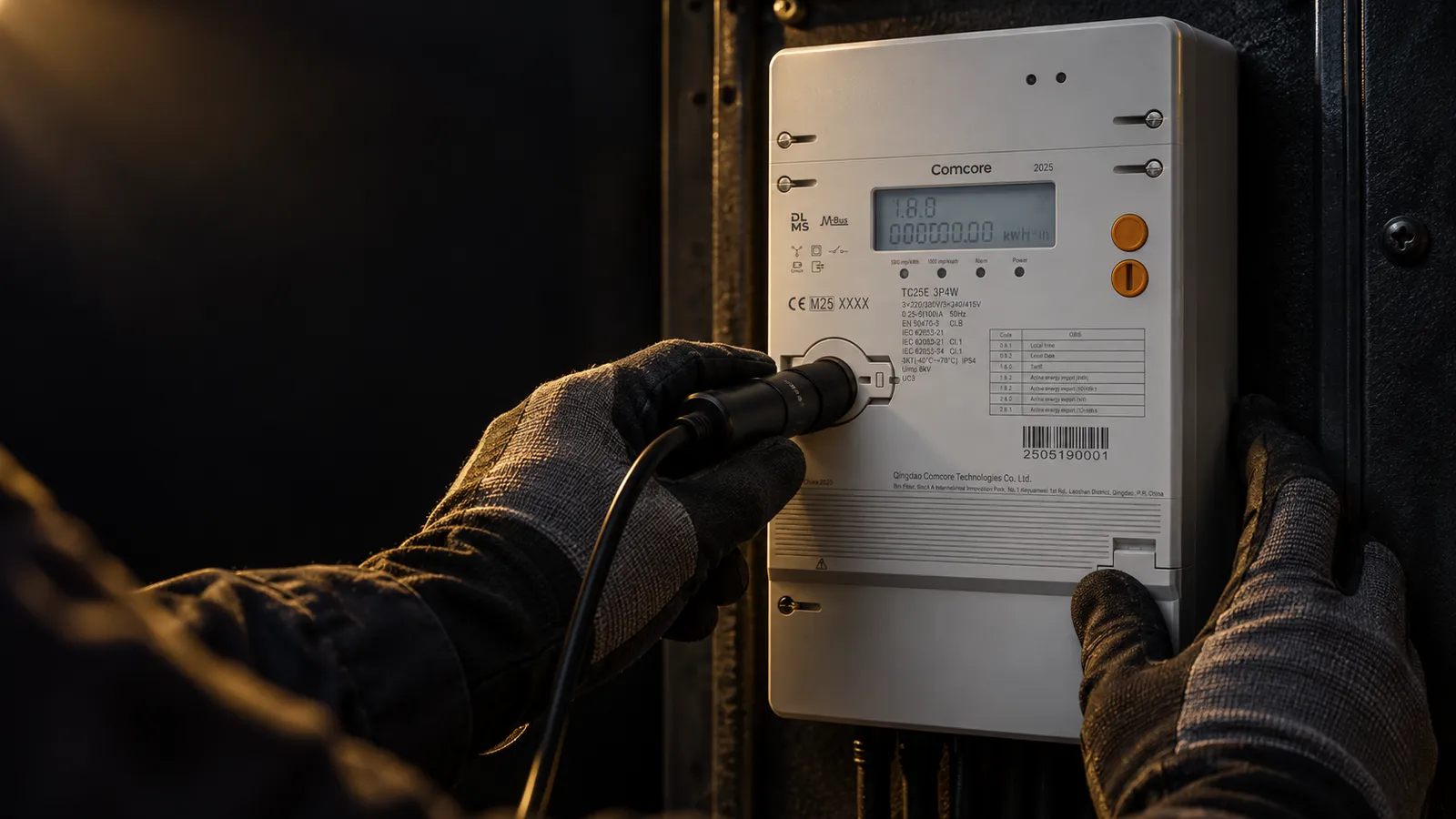
Guided technical support
Tell us what happened. We will help you report it clearly.
You do not need to identify the cause. Start with the equipment and what you can safely observe. We will show what information to collect, what can remain unknown and how to request the right help.
What happens after you send it Your request becomes one traceable record with a reference. Metro Power reviews it for completeness and urgency, names the reviewer and replies with the next technical step. Any work at the equipment itself is carried out by the authorized personnel Metro Power coordinates.
Metro Power answers its phones Monday to Friday, 8am to 5pm, and usually replies to a support request within one to two business days. For an immediate hazard, follow your site emergency procedure first.
Support covers electric meters and AMI, water meters, battery storage and microgrids, EV charging and core electrical equipment.
GUIDED SUPPORT PREPARATION
Tell us what you see. We will structure the next step.
You do not need to diagnose the cause. Choose the equipment and visible symptom, then tell us what information is ready, missing or difficult to obtain.
YOUR SUPPORT STARTING PLAN
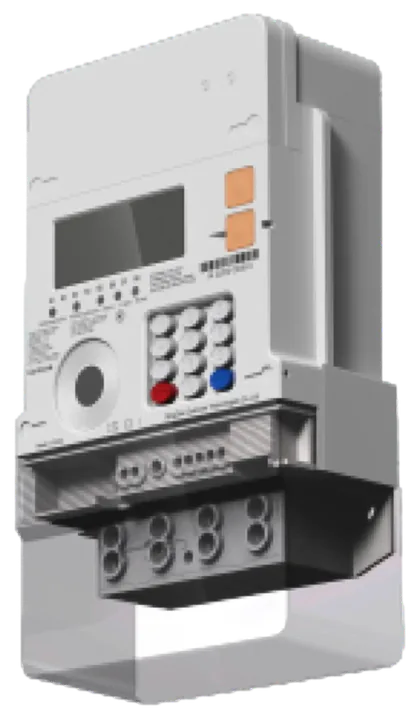
0OF 9Electric meter / AMI
The equipment or system is not communicating.
READY
Record the exact time and visible status indicators before anyone changes settings or restarts equipment.
Not reviewed yetI have it readyI still need itI need guidance
Never guess, disturb equipment or repeat an unsafe action just to complete this list.
What happens after you begin
One clear path from symptom to next action.
The same guided process supports meters, AMI, battery storage, EV chargers, water meters and related electrical equipment. Metro Power reviews and routes the request and coordinates the responsible technical work; it does not carry out installation or commissioning itself.
Make the area safe
Follow site procedures first. Only authorized personnel should isolate or inspect equipment.
→Describe what you see
Record the symptom, time and visible condition without trying to diagnose the cause.
→Gather what is available
Use safe photos, labels, readings and records. Mark anything you cannot obtain.
→Receive a reference
Submit one structured request so the issue can be traced and routed.
→Confirm the next action
Metro Power reviews completeness, urgency, owner and the responsible technical step.
Useful information, if safely available
Bring what you have. We will identify the gaps.
- Model and serial number
- Site and installation date
- Exact symptom and first occurrence
- Photos or video of the condition
- Error codes, logs and timestamps
- Recent approved changes
- Actions already attempted
- Operational urgency and affected customers
Want to know what Metro Power does next?
See how we review the request, confirm evidence, assign responsibility and record closure.
See the support process ↗